Why Every SaaS Founder Should Learn Terraform (Not Just DevOps Engineers)
You don't need to be a DevOps engineer to benefit from infrastructure as code. If you're building a SaaS, Terraform saves you time, money, and 3 AM incidents.
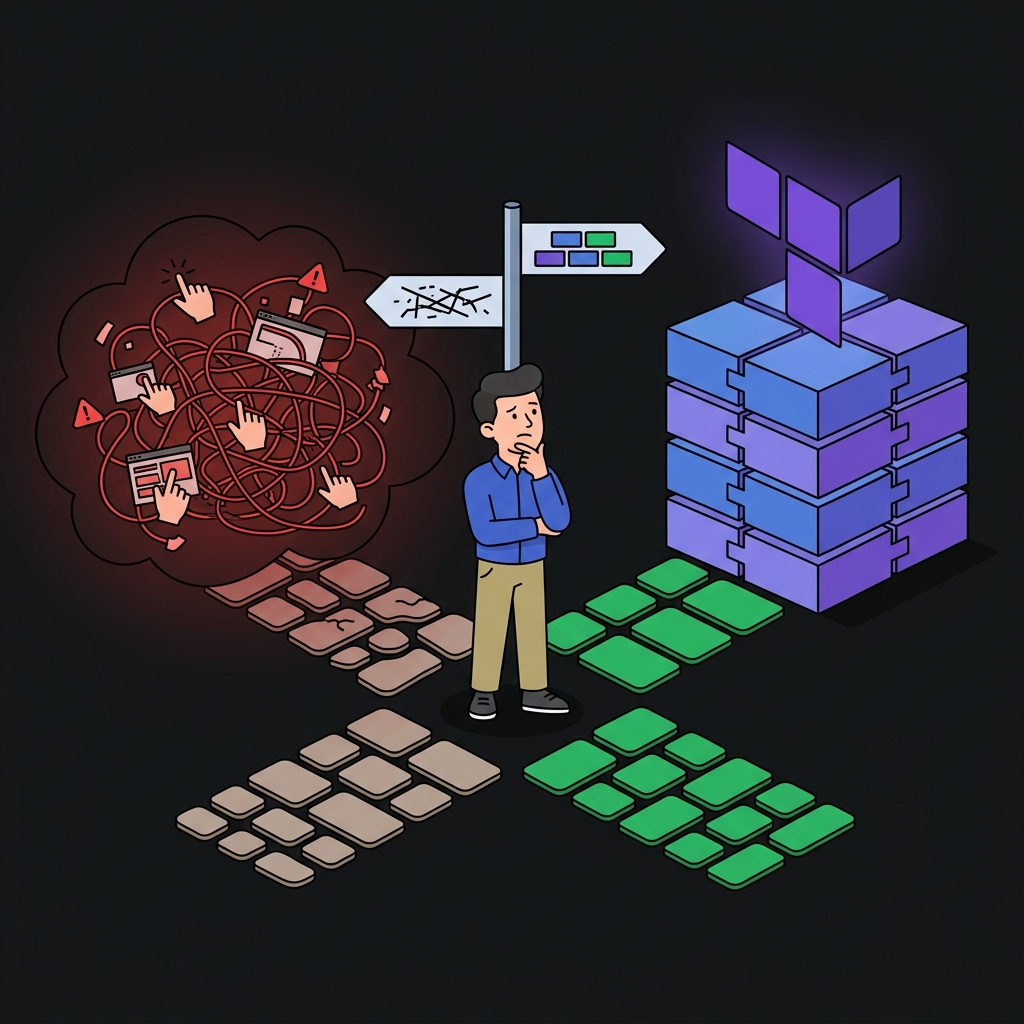
Most SaaS founders think Terraform is for DevOps engineers at big companies. They're wrong.
If you're a solo founder or small team shipping a SaaS product, Terraform is one of the highest-leverage skills you can learn. Here's why.
The Portal Trap
Every founder starts the same way: click through the Azure/AWS/GCP portal, create a database, deploy an app, configure a domain. It works. You ship.
Then you need:
- A staging environment (is it configured the same as prod? hopefully?)
- A disaster recovery plan (can you recreate everything from scratch? how fast?)
- To onboard a co-founder (here's a 30-step doc, good luck)
- To debug a production issue at 2 AM (which setting did you change last month?)
The portal doesn't scale. Your memory doesn't scale. Code scales.
What Terraform Actually Does
Terraform is a text file that describes your infrastructure. You write what you want, run terraform apply, and it creates everything.
resource "azurerm_postgresql_flexible_server" "db" {
  name                = "db-my-saas"
  location            = "westus2"
  sku_name            = "B_Standard_B1ms"
  storage_mb          = 32768
  version             = "16"
  administrator_login = "dbadmin"
}
This is your database. It's in Git. It has a commit history. Anyone can read it and understand what's running in production.
5 Reasons SaaS Founders Need Terraform
1. Identical Environments in Seconds
# Create staging
terraform workspace new staging
terraform apply -var="environment=staging"

# Create production
terraform workspace new production
terraform apply -var="environment=production"
Two commands. Two identical environments. No "works in staging, breaks in prod."
2. Disaster Recovery Is a Single Command
If your entire infrastructure disappears tomorrow:
terraform apply
Everything comes back. Same configuration, same settings, same architecture. Try doing that from memory with a portal.
3. Cost Visibility
Your Terraform files are a complete inventory of what you're paying for. No hidden resources, no forgotten VMs, no mystery storage accounts.
terraform state list # See everything you're running
4. Auditable Changes
Every infrastructure change goes through a PR. Your co-founder can review it. Your future self can understand it. Your investors can audit it.
commit: "Add Redis cache for session storage"
  + azurerm_redis_cache.sessions
  + azurerm_private_endpoint.redis
5. Cloud Portability
Terraform supports Azure, AWS, GCP, and 3,000+ other providers. If you decide to move from Azure to AWS, you rewrite the Terraform — not your entire deployment process.
The Learning Curve
Be honest: Terraform has a learning curve. But it's 2-3 days, not 2-3 months.
If you can write JSON, you can write HCL (Terraform's language). It's basically key-value pairs with some logic.
variable "environment" {
  default = "production"
}

resource "azurerm_resource_group" "this" {
  name     = "rg-my-saas-${var.environment}"
  location = "westus2"
}
That's a variable and a resource. You now know 60% of Terraform.
Where to Start
- Install Terraform (one binary, no dependencies)
- Pick your cloud (Azure, AWS, or GCP)
- Create a resource group (or VPC, or project)
- Deploy an app service (or ECS, or Cloud Run)
- Destroy it. Do it again. Now you're dangerous.
I'm teaching all of this in my 24-episode YouTube series — one episode per concept, all code open source. Check my channel if you prefer watching over reading.
And if you want the SaaS application itself pre-built with auth, payments, database, and 200+ features — that's BoilerForge. The infrastructure you learn with Terraform is where BoilerForge runs.
Join the Newsletter
Subscribe to get my latest content by email.
We won't send you spam. Unsubscribe at any time.